
Waterless Diffuser, No Visible Mist: What Can You Conclude?
Waterless diffuser no visible mist is an observation, not a complete diagnosis. A photograph or a brief look at an outlet cannot establish how a fragrance device is operating throughout its program. For Aromaprox SP01 or MiniPro, start with the exact model's normal controls and instructions. Keep a visible white cloud separate from evidence about operating state, compatible oil and the room experience. Do not change the product merely to reproduce an advertising effect.
1. Define exactly what is missing from the observation
Separate no visible cloud, no noticeable room fragrance and no sign of normal operation. They are different reports and should not be used interchangeably. Write what you actually observed and over what time. Do not report the machine as producing nothing simply because a photograph does not show a white effect. Equally, do not declare it fully functional from an attractive image or a fragrance remaining in the room. Each statement needs the appropriate observation and the correct product context.
2. Recognize the limits of a camera-visible effect
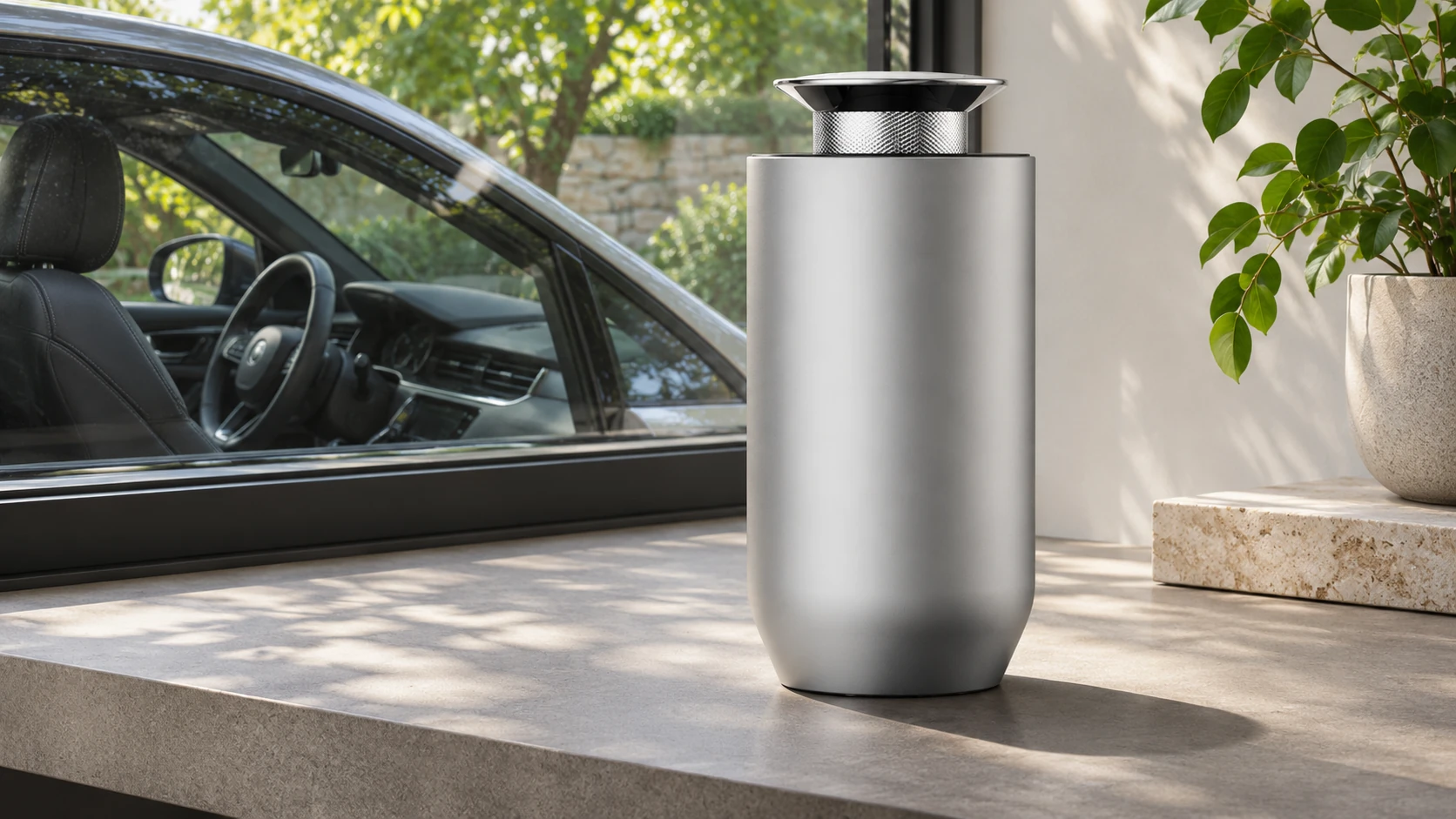
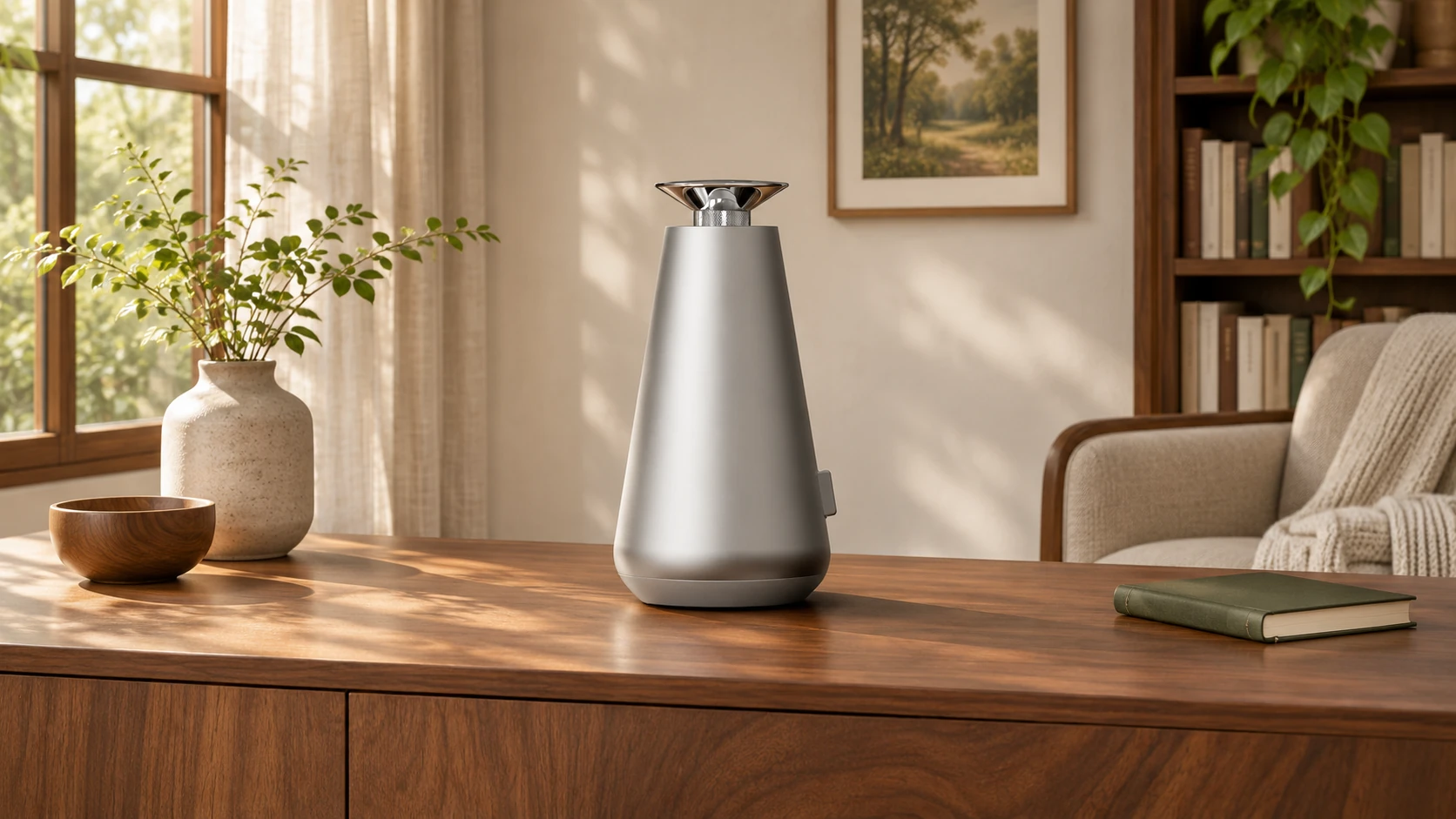
What a picture makes visible depends on its lighting, background, viewpoint and the instant captured. A deliberately lit product scene is not a measurement of the quantity delivered during ordinary use. Do not add a visible cloud to a marketing image and then treat the edit as a product property. Our illustrative scenes retain the actual equipment without an invented plume. Ask for normal-use evidence if an advertising photograph creates an expectation that the quoted configuration has not demonstrated.
3. Check the program state before selecting a moment
The reviewed SP01 interface distinguishes work and pause entries; MiniPro has its own documented mode controls. Follow the instructions for the specific supplied version rather than transferring settings between models. A moment within a permitted pause is not the same observation as an active interval. Note the selected mode, when observation began and the normal state indications that are actually documented. Do not claim an exact interval, indicator meaning or stored behavior unless it is confirmed for the model in front of you.
4. Keep observation within ordinary user procedures
Use the approved oil and bottle-handling instructions. Do not add water, remove a component or increase output beyond the permitted routine to make the device more visible on camera. Keep the outlet unobstructed and do not bring your face close to it to perform an improvised test. If there is damage, leakage or another abnormal condition, end the observation and follow the stop-and-support instructions. The general troubleshooting guide can help organize a real fault report; this article does not replace it with a new repair method.
5. Record the room impression as a separate result
For a normal fragrance trial, keep the location, program, oil identity, room use and ventilation with the feedback. An impression near the machine does not establish the experience at seating or reception positions. If you change several conditions at once, record the combined change rather than assigning the result to visibility alone. Do not raise intensity merely to imitate a dramatic plume. A neutral account of the actual room experience is more useful than an exaggerated visual effect or an unsupported claim that the unit covers the entire space.
6. Ask for evidence that answers the real question
Tell support whether you need clarification of the normal operating cycle, an explanation of a picture or help with an abnormal symptom. Provide the exact model and version, a short unedited observation, the selected controls and what happened before and after the event. Do not dismantle the housing to create a video. For a distributor, distinguish an illustrative photograph from a documented sample demonstration in the product folder. That keeps customer expectations tied to the actual device rather than to a cloud added for visual impact.
Frequently asked questions
Should every waterless diffuser photograph show a white plume?
No. A visual effect is not a necessary proof of normal operation. Confirm the real product and its documented behavior instead of expecting every photograph to display mist.
Can a still image prove how much fragrance a diffuser delivers?
No. It does not record the complete operating program or the room conditions needed to interpret a trial. Use an appropriate documented method for the question being asked.
Should I change the liquid to make a stronger visible cloud?
No. Use only the formulation approved for the exact equipment. Do not add another liquid or modify the machine to reproduce an image effect.
Plan your next step
Share the exact SP01 or MiniPro version, confirmed mode and a factual description of the observation with Aromaprox. Ask for the correct normal-use instructions or the support route appropriate to the symptom, rather than judging the product only from an edited image.
Related resources
Images are AI-generated editorial scenarios based on Aromaprox product reference photographs. They are not test records, installation instructions or a statement of included accessories. Confirm the exact model, finish and current specifications before ordering.


