
Scent Diffuser Remote Control vs App: Choose by Daily Tasks
Scent diffuser remote control vs app is a workflow question: who needs to operate the device, what must they change, and which controls are actually supplied? Aromaprox configuration records list app, on-device and remote-control options for SF03 and DecoPro. That list is a starting point, not proof that every interface has the same functions or that every order includes a handset. A useful comparison tests the tasks on the exact configuration being considered.
1. Begin with a task list, not a feature count
List the actions the operator genuinely needs: stopping a session, choosing an intensity, reviewing the current state or changing an operating plan. Mark each action as a requirement rather than assuming the remote or app already supports it. A home user and a receptionist may need different levels of access. The configuration table identifies SF03 and DecoPro as relevant models for this comparison, but the task list still needs a demonstration on the ordered revision. Avoid making the interface with more visible buttons the automatic winner.
2. Evaluate the physical remote as a separate accessory
Ask to see the matching handset and its instructions. Confirm which commands it supports, how the device indicates acceptance, and whether the handset is included or optional. Check how the actual remote is stored and identified so it is not confused with another appliance. Do not infer infrared, radio technology, usable distance or operation through walls from a photograph. If a room layout depends on controlling a device from a particular position, demonstrate that task there using the real combination before making it an operating requirement.
3. Evaluate the app as a phone-based workflow
For the app, confirm the supported phone system, application identity, connection steps and permissions needed for the actual model. Observe the relevant settings rather than relying on a generic screenshot from another diffuser. SF03 and DecoPro are listed with Bluetooth in the reviewed configuration table; that does not establish Wi-Fi, cloud access or operation from outside the premises. Record who has the approved phone and who will keep the instructions. A successful connection is only the first check: the required task must also produce the expected device state.
4. Check what happens when interfaces are mixed
An operator might use the app for one task and a handset for another. Do not assume that the latest action automatically overrides every earlier setting, or that the app instantly reflects every physical command. Ask for the documented behavior and verify it on a sample. Record the starting state, one permitted action and the observed result. This is a user-workflow check, not a firmware validation claim. If the interaction is unclear, simplify the routine to the confirmed interface until support explains the behavior.
5. Plan access and handover before installation
Decide who may change the agreed settings and where the matching instructions will be kept. A physical remote can be misplaced; a phone-based workflow can become inconvenient when the usual operator is absent. Ask which on-device actions remain available if the handset or phone is not at hand. Do not assume account roles, a lock function, multi-user access or a security feature unless it is documented for the version. A short handover note should identify the unit, approved interface and the normal way to stop a session.
6. Turn the comparison into an order requirement
For SF03 or DecoPro, specify the model revision, required interfaces, included accessories and the tasks that must be demonstrated. Keep the remote and app columns separate, and mark an unverified function as unconfirmed rather than available. Record how instructions and later app changes will be communicated. This prevents a purchase decision based on an attractive interface list that does not match the actual workflow. Choose the configuration that meets the agreed tasks with manageable training and support, not simply the one described as smart.
Frequently asked questions
Does remote-control support mean a handset is always included?
No. Confirm the contents of the exact order and the matching accessory. A function list alone does not establish the packing list.
Can a Bluetooth app control the diffuser from another city?
Bluetooth support alone does not establish internet or cloud control. Confirm any remote-access requirement separately for the exact configuration.
Do the app and remote always offer the same settings?
Do not assume feature parity. Ask for a task-by-interface demonstration and instructions for the ordered model revision.
Plan your next step
Send Aromaprox the tasks you want an operator to perform on SF03 or DecoPro. Request a demonstration and accessory list for the exact version before confirming the control package.
Related resources
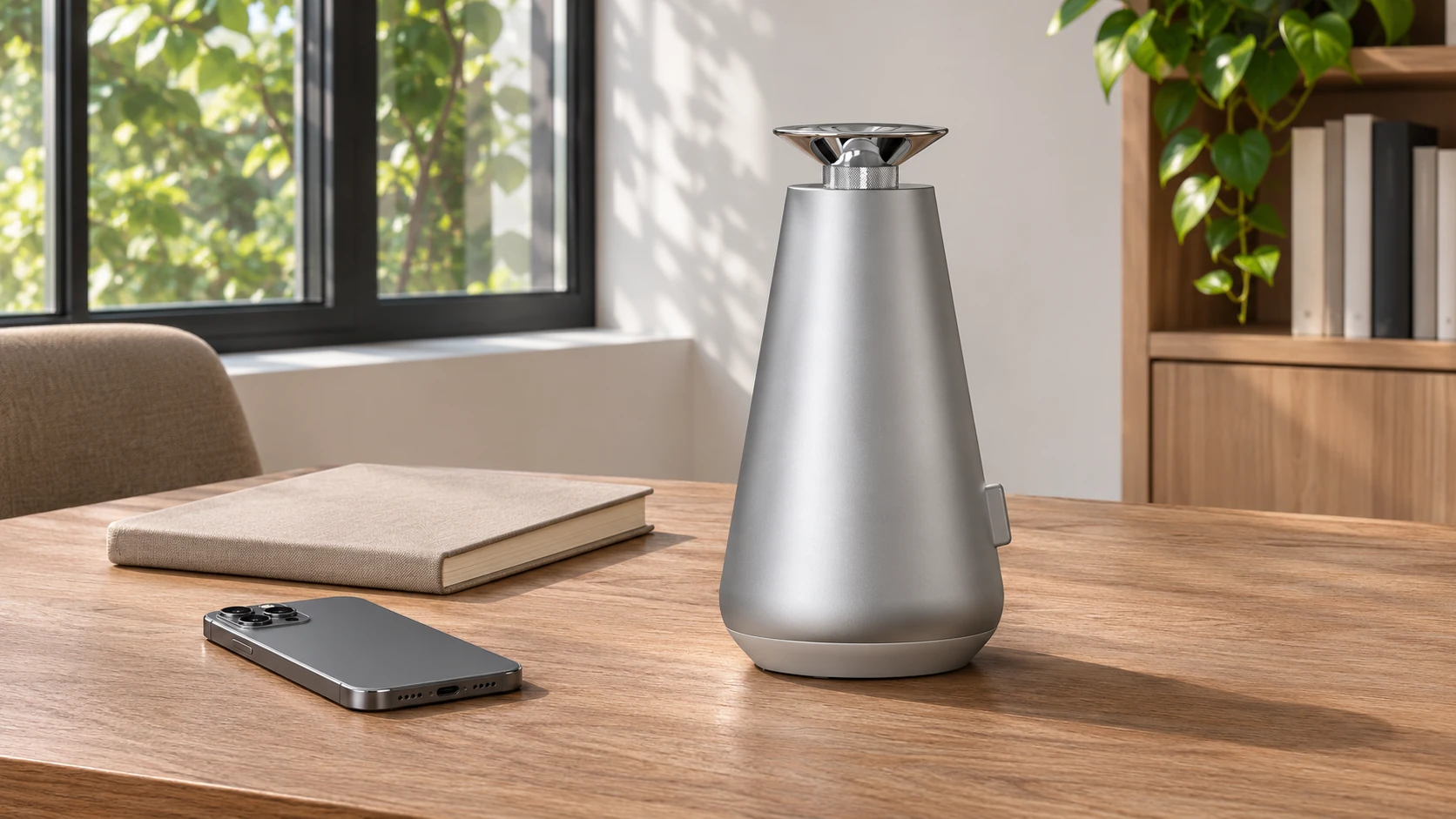
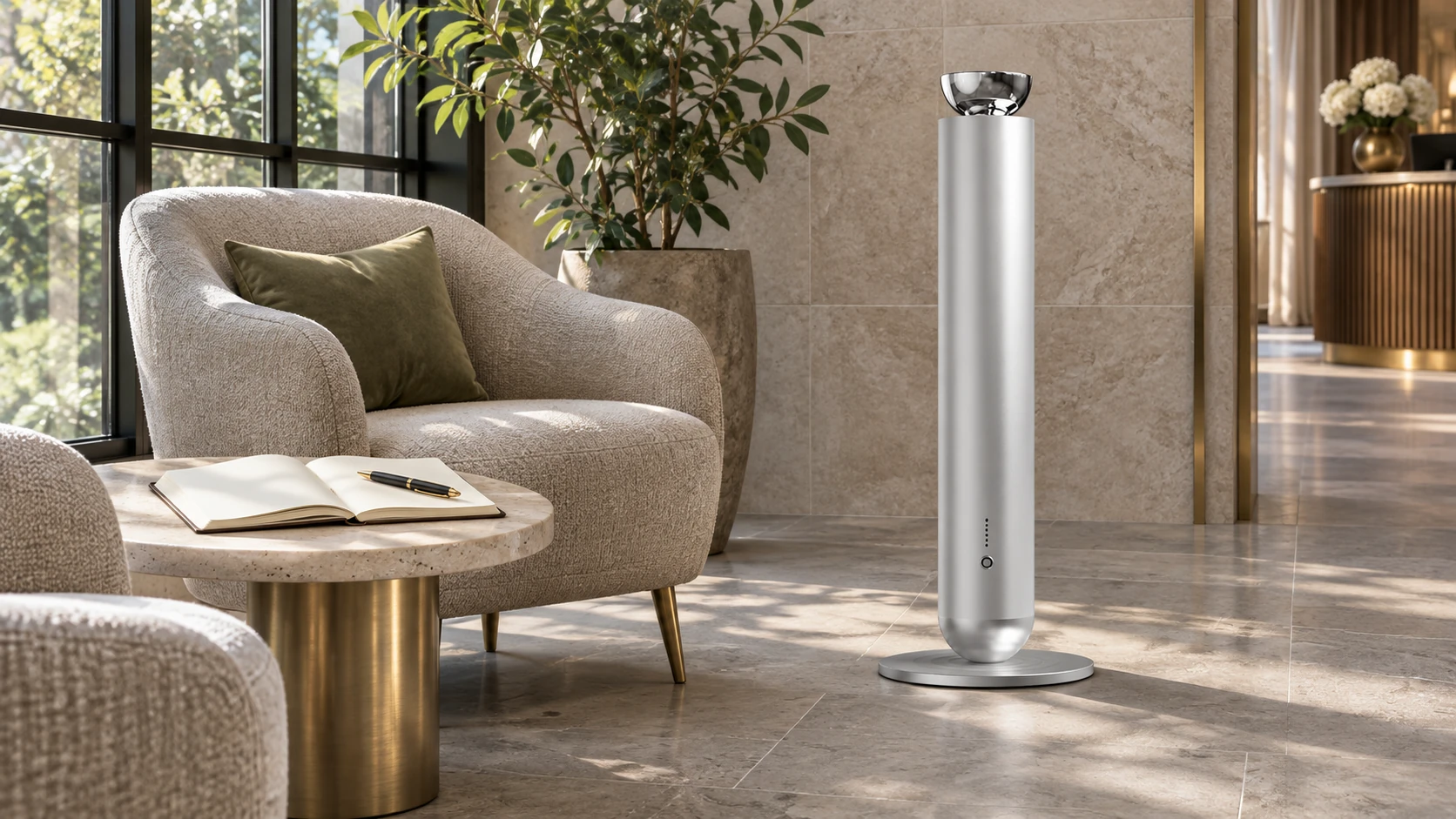
Images are AI-generated editorial scenarios based on Aromaprox product reference photographs. They are not test records, installation instructions or a statement of included accessories. Confirm the exact model, finish and current specifications before ordering.


