
Bluetooth vs Wi-Fi Scent Diffusers: Choose the Control You Need
A Bluetooth vs WiFi scent diffuser comparison should begin with who needs to control the machine and from where. A wireless label alone does not tell you whether remote access, shared accounts or stored schedules are available. Ask for a demonstration of the exact hardware and app combination being quoted. Two products with similar enclosures may have different control boards, software and supported workflows.
1. Write down the control task first
A homeowner adjusting one machine while nearby has a different requirement from an operator responsible for several locations. List the actions that matter: changing settings, checking status, transferring access or pausing equipment from elsewhere. Separate essential functions from conveniences. Request a short demonstration against this list before committing to a model, and make sure the quotation identifies the supported app and hardware version rather than simply saying smart control.
2. Check what Bluetooth access actually includes
Ask whether control occurs through a direct phone connection, a gateway or another arrangement. Do not assume that every Bluetooth product can be operated from another building. Effective Bluetooth range varies with the implementation and environment. Bluetooth SIG: Understanding Bluetooth Range Evaluate access from the place where staff will normally stand, with the installed enclosure and surroundings present. A successful connection on an unobstructed desk does not settle access through walls or inside a cabinet.
3. Ask what the Wi-Fi label does and does not promise
Request a diagram or written description showing how the phone, local network, diffuser and any cloud service interact. Ask whether away-from-site control is supported, whether an account is required and whether an ongoing service fee applies. Confirm supported network requirements with the supplier and site administrator. Do not assume that guest Wi-Fi, a captive sign-in page or the site's existing security policy will suit the proposed device.
4. Verify behavior when connections are unavailable
Ask the supplier to demonstrate what happens when the phone leaves, local internet becomes unavailable or power is restored. Does an approved operating profile remain stored? Which controls remain accessible? Record the answers for the exact configuration instead of inferring them from a radio specification. This is a purchasing acceptance check, not a recommendation to interrupt a live building network or perform an unsupported reset on installed equipment.
5. Define access ownership before installation
Decide who owns the app account, who may change settings and how access will be removed when a staff member leaves. Ask about supported sharing, recovery and device-transfer procedures. Avoid placing every site under an employee's personal account without a handover plan. If multi-site control is important, verify that the actual app provides it; a Wi-Fi connection by itself is not evidence of an organizational dashboard or audit history.
6. Compare the complete operating arrangement
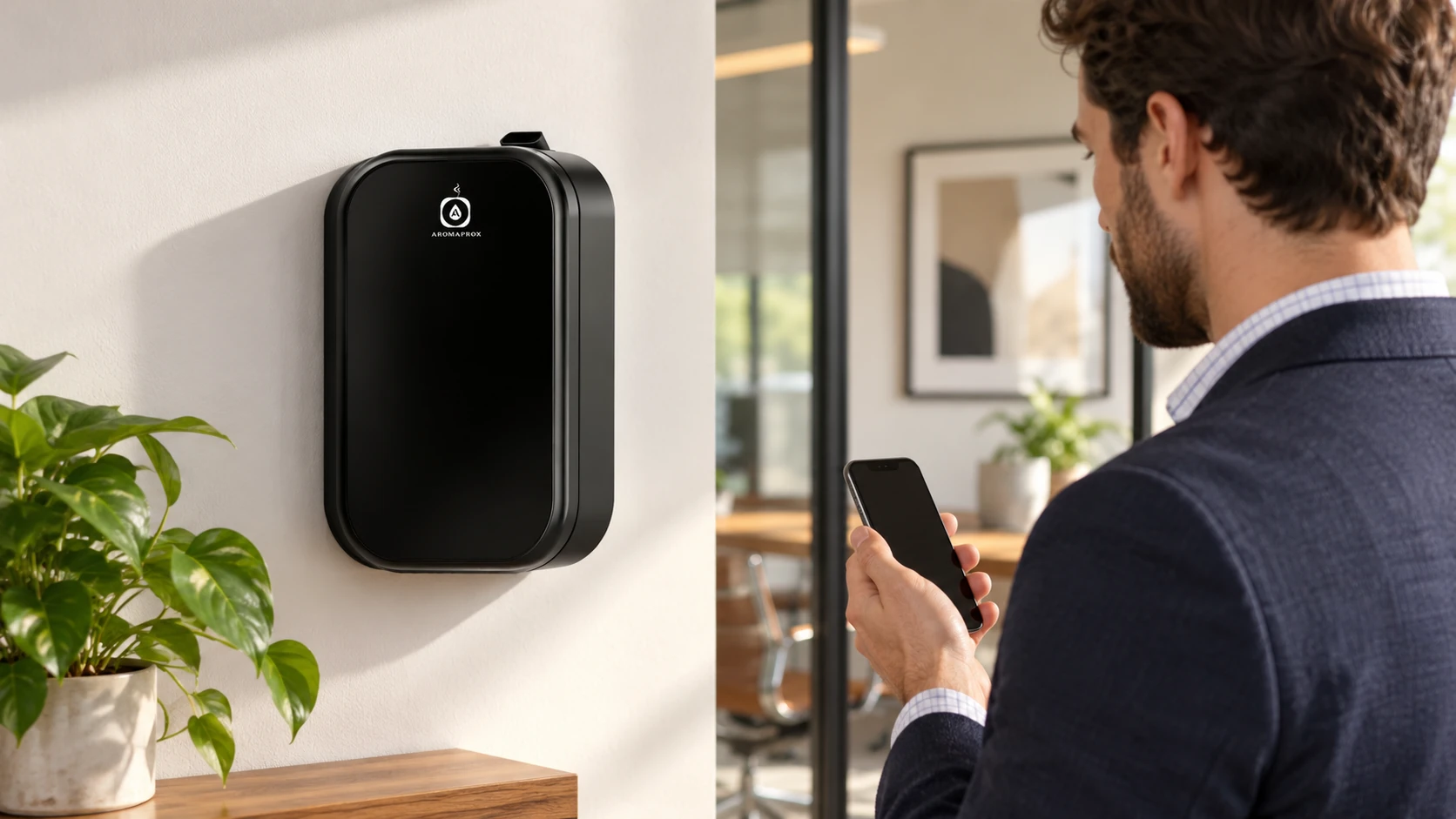
Include initial setup, staff training, network approval, support contact, update policy and any recurring service in the comparison. A simpler local-control arrangement may suit a single attended location, while a verified remote workflow may be useful for distributed operations. Neither label is automatically better. For Aromaprox models shown in lifestyle images, confirm the quoted configuration separately: appearance is not proof that a model includes Bluetooth, Wi-Fi or both.
Frequently asked questions
Does a Wi-Fi diffuser always allow remote control?
Do not assume it does. Ask whether the exact app, account and service support control away from the local network and what dependencies or charges apply.
Does Bluetooth always mean a fixed ten-meter range?
No universal distance should be promised for every product and installation. Confirm the supplier's conditions and evaluate the actual operating position.
Can a diffuser keep working when the phone leaves?
That depends on the device and how its operating settings are stored. Ask for a demonstration of the quoted model rather than inferring behavior from the wireless label.
Plan your next step
Tell Aromaprox whether you need nearby adjustment or verified remote management. Request the exact control configuration, supported app and an acceptance demonstration before ordering.
Related resources
Sources and further reading
Images are AI-generated editorial scenarios based on Aromaprox product reference photographs. They are not test records, installation instructions or a statement of included accessories. Confirm the exact model, finish and current specifications before ordering.


