
Scent Diffuser App QR Code Not Working? Verify the Source
A scent diffuser app QR code not working can mean the camera did not read it, the destination did not load or the destination did not match the phone. These are different problems. For Aromaprox SP01 or MiniPro, begin with the supplied manual and the correct mobile platform. Do not replace an unclear code with an installation file from an unknown source or assume that every similarly named diffuser uses the same app.
1. Separate scanning, opening and installing
Describe the failed step before changing anything. Does the camera recognize a code? Does a link appear? Does the page load? Does it offer the right platform? A single statement that the app does not work hides these distinctions. Record the exact result and avoid entering account information into an unverified destination. No control setting on the diffuser resolves a damaged printed code or an unrelated download page.
2. Check the manual for the supplied version
Use the document that corresponds to the ordered SP01 or MiniPro, and identify the mobile-platform instructions it actually provides. Do not copy a code from an old screenshot or another model's leaflet. If the printed code is blurred, incomplete or damaged, ask for an official readable replacement document. Keep the version and date with it so the same obsolete image is not passed to the next customer.
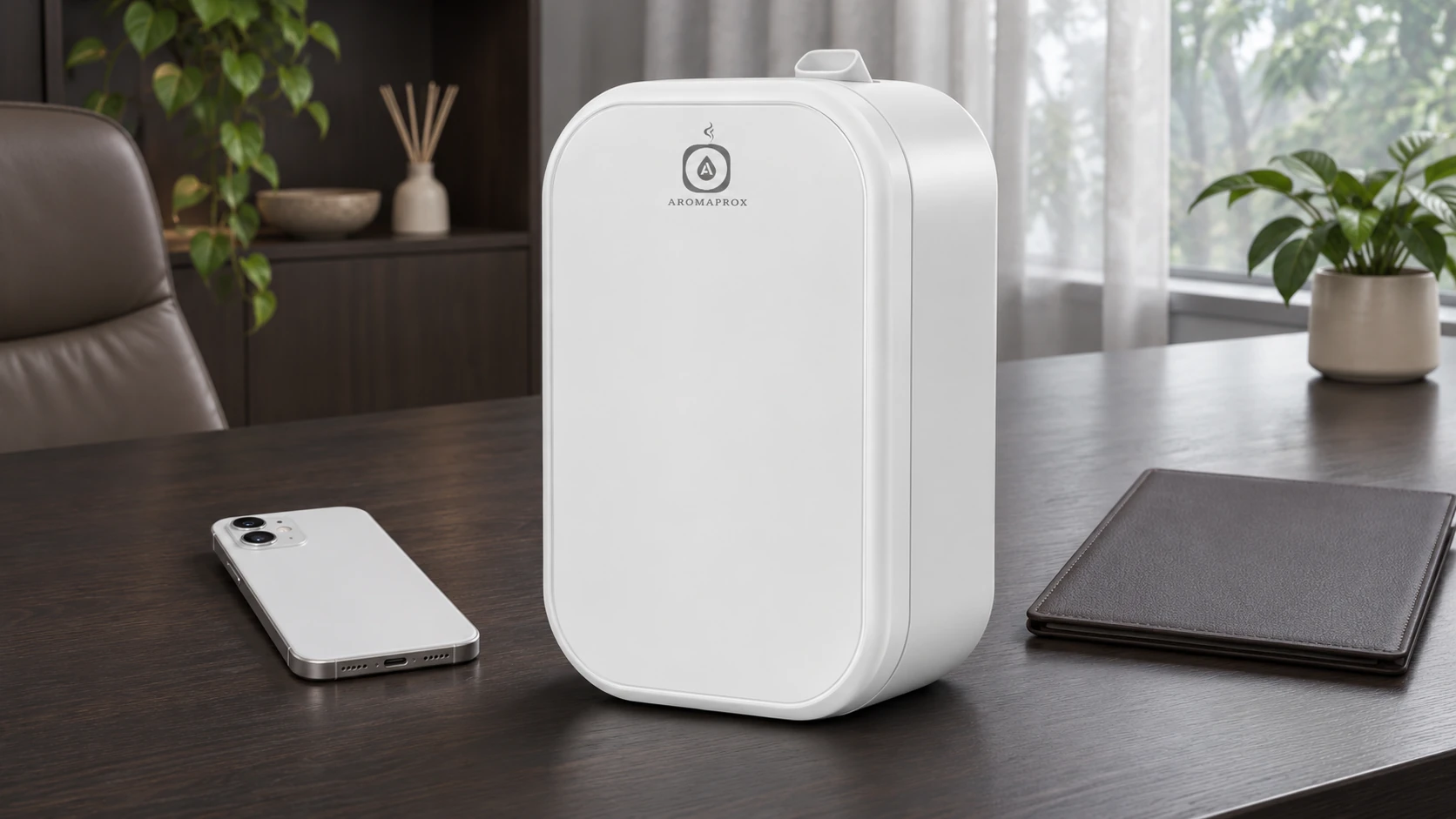
3. Use the phone's ordinary scanning method
Keep the whole code visible and use the phone's normal supported scanner. Apple explains its iPhone and iPad camera scanning route here: Apple Support — Scan a QR code with your iPhone or iPad This general phone guidance does not verify a particular diffuser app or destination. Do not disable security protections, install an unfamiliar scanner or grant unnecessary permissions just to follow a product leaflet. If ordinary scanning still fails, document the result and request a verified route.
4. Confirm the destination before installation
Ask the supplier to identify the official app listing or installation route for the exact model, phone platform and market. Compare the confirmed destination with the code result. Do not treat a similar name, logo or third-party download page as approval. If the link is unavailable or inconsistent, pause installation and retain the information for support. This article does not supply a guessed app name or an unverified replacement URL.
5. Keep installation separate from device connection
Successful scanning or downloading only completes that stage. It does not establish that the phone has connected to the intended unit or that a particular control is supported. After the official installation route is confirmed, use the correct model's normal connection instructions. Consult the existing Bluetooth guide for an actual connection problem rather than changing the liquid, opening the housing or mixing troubleshooting procedures from other products.
6. Send a concise, non-sensitive support record
Provide the model and version, manual reference, phone platform, failed stage and a short description of the displayed result. Share a destination address only through the normal support channel and avoid including passwords, personal accounts or unrelated private screen content. Ask for the current official route and updated customer instructions. Once confirmed, replace the obsolete reference in your own handover material rather than circulating an informal workaround.
Frequently asked questions
Does an unreadable code mean the diffuser's Bluetooth is broken?
No. Code recognition happens on the phone before device connection. Identify the failed stage separately.
Should I download a similarly named app from another website?
Do not use an unverified replacement. Ask for the official route appropriate to the supplied model and platform.
Can a code that scans correctly still need checking?
Yes. The destination may be outdated or inappropriate. Confirm it before installing software or providing account information.
Plan your next step
Send Aromaprox the exact SP01 or MiniPro version, manual reference and the stage where the QR process stops. Request the verified official installation route for your phone platform, then keep that confirmation with your customer instructions.
Related resources
Sources and further reading
Images are AI-generated editorial scenarios based on Aromaprox product reference photographs. They are not test records, installation instructions or a statement of included accessories. Confirm the exact model, finish and current specifications before ordering.


