
Scent Diffuser Bluetooth Not Connecting? A Step-by-Step Check
Scent diffuser Bluetooth not connecting is a connection problem first, not proof that the fragrance system is defective. Begin with the exact model and the stage where the process stops: the device is not listed, pairing fails, or a connected device will not accept changes. Keep the current settings and ownership information available. A factory reset should not be the first response to an unclear symptom.
1. Confirm the device and app belong together
Read the model and configuration on the product label or order record, then compare them with the current manufacturer instructions. Similar-looking machines may use different control versions. Install the supplier's specified app from its official listing and check the stated phone requirements. Do not download an unrelated app because its name contains aroma or diffuser. Note the app version, phone model and operating-system version for later support.
2. Separate phone Bluetooth from app permission
Turning on the phone's Bluetooth does not resolve every app permission issue. On iPhone, review the app's Bluetooth access under Settings, Privacy & Security, Bluetooth. Apple: Bluetooth Privacy Settings Android permissions vary with the app and platform version, including Nearby devices access in relevant configurations. Android Developers: Bluetooth Permissions Follow the current instructions for your phone. Grant only permissions needed for the documented workflow; do not disable broad security protections to make discovery work.
3. Follow the model's discovery procedure nearby
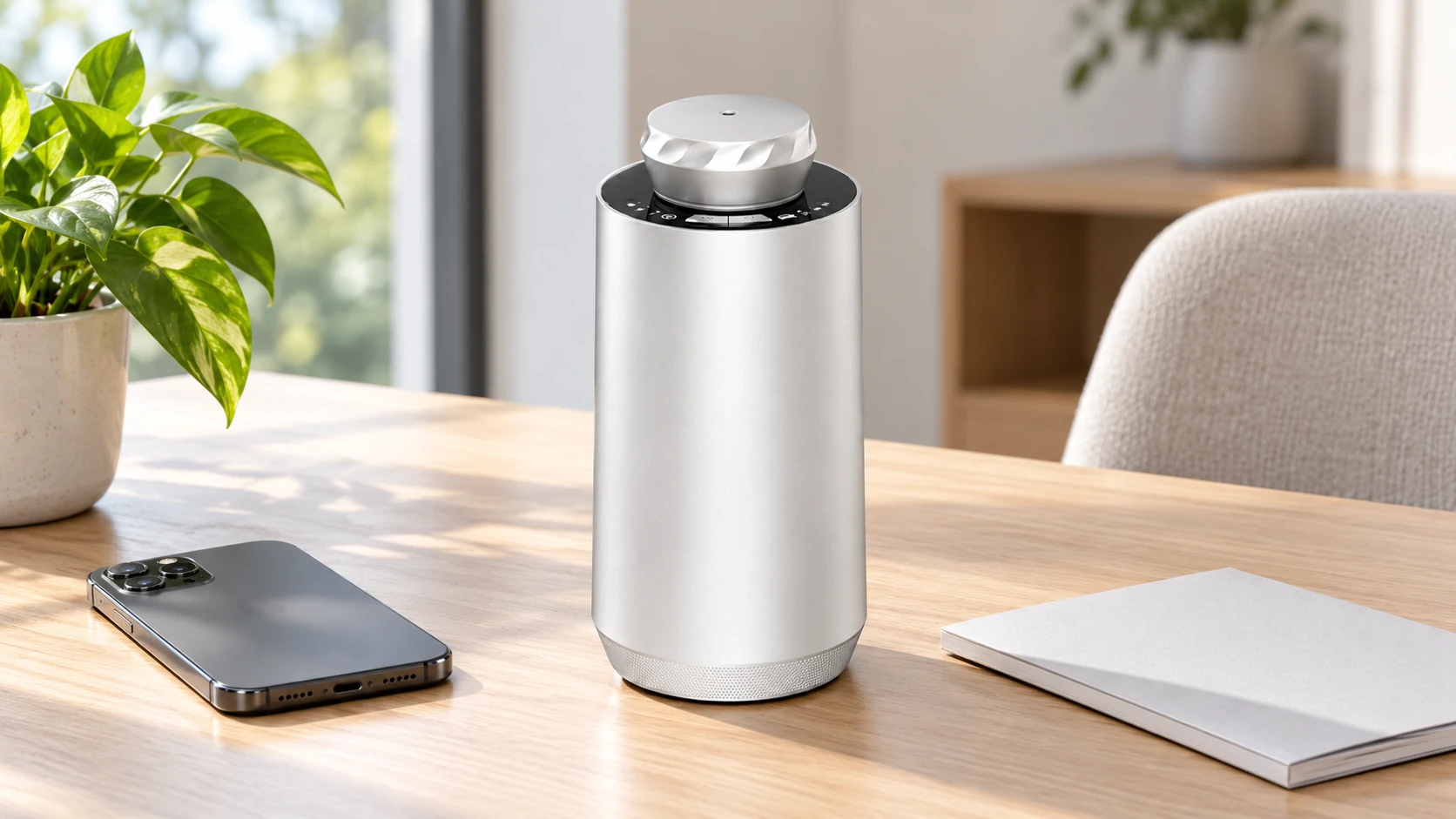
Confirm the device has its specified power supply and is in the documented state for connection. Stay nearby for the initial attempt and move away from obvious obstructions if practical. Use the exact button sequence and timing in the manual, not a sequence copied from another model. If the manual starts setup inside the app, do not assume that pairing through the phone's general Bluetooth list is an equivalent procedure.
4. Check existing connections and ownership
Ask whether the diffuser is already connected to another phone or bound to an account. Coordinate with the owner before disconnecting anything. Record the device name or identifier so you do not change a neighboring unit with a similar name. If the product requires an authorized transfer, use that process. Repeated pairing attempts cannot be assumed to remove an ownership restriction, and an unapproved reset can create additional recovery work.
5. Change one condition at a time
Close and reopen the specified app, retry the documented discovery process, and note the result of each supported action. If the supplier recommends a normal restart, preserve settings first and follow its procedure. A second compatible phone can help distinguish a phone-specific symptom, but only with permission and the appropriate account access. Stop before destructive steps if you cannot confirm how schedules, credentials or device binding will be recovered.
6. Send support a precise failure record
Provide the model, app and operating-system versions, the stage of failure, indicator behavior, error wording and actions already attempted. Share a redacted screenshot when useful; never send account passwords. Distinguish cannot discover from discovers but cannot connect and connected but cannot save. If support confirms a reset is necessary, obtain the exact procedure and restoration steps first. Then verify the saved operating profile after connection returns.
Frequently asked questions
Should I factory-reset the diffuser immediately?
No. Establish the symptom, preserve the configuration and confirm ownership first. Use a reset only when the model-specific instructions or support process call for it.
Why is the device absent from my phone's Bluetooth list?
The supported connection workflow may begin inside the manufacturer's app. Follow the exact model instructions rather than assuming every diffuser pairs from the system list.
Does a connection failure mean the atomizer is broken?
Not by itself. Wireless discovery, account access and fragrance output are separate checks. Describe the connection symptom to support before diagnosing a hardware fault.
Plan your next step
Contact Aromaprox with the model and configuration, app version and exact connection failure. Keep passwords private and request the supported recovery steps for your device.
Related resources
Sources and further reading
Images are AI-generated editorial scenarios based on Aromaprox product reference photographs. They are not test records, installation instructions or a statement of included accessories. Confirm the exact model, finish and current specifications before ordering.


