
Scent Diffuser Power Adapter Compatibility: Check More Than Fit
Scent diffuser power adapter compatibility cannot be decided by trying every plug in a drawer. Aromaprox documentation distinguishes USB-powered configurations such as SF03 from DC-supply models such as A300 and HC1000. That distinction does not provide a universal replacement rating. The correct starting point is the supplied unit, its current instructions and its approved power arrangement. This checklist helps an owner request the right replacement without guessing from a similar model.
1. Identify the device before identifying a replacement
Record the model name, order reference and version information shown on the accessible product label. Photograph the existing approved supply label if it can be inspected safely. SF03, A300 and HC1000 are not interchangeable names for one electrical platform. A product family, similar housing or common brand is not enough to select an adapter. If the unit was supplied as part of a customized order, include that order information because a generic catalog page may not describe the delivered configuration.
2. Read input and output as different information
A supply label may describe both what it accepts from the outlet and what it delivers to the device. Those are different sides of the system. Ask support to confirm the complete approved match rather than choosing whichever printed number looks familiar. Health Canada's guidance recommends the supplied charger or a replacement with compatible voltage and current. Health Canada: Electrical product safety (chargers) This article does not assign a replacement rating to any Aromaprox model: the current unit and its approved documentation must determine that choice.
3. Do not turn a matching connector into approval
Physical fit is only one part of compatibility. A connector may enter a socket without establishing the correct electrical arrangement. For a DC connector, obtain the approved connector specification and polarity where applicable; do not infer them from the outside diameter alone. For a USB arrangement, confirm the specified cable and source combination. Do not modify a connector, reverse wires, use a voltage-trigger accessory or stack unapproved converters to make a spare supply work. Ask for the exact replacement part instead.
4. Keep the regional supply arrangement consistent
Tell the supplier where the device will be used and ask for the approved market configuration. A travel plug changes a physical connection; it should not be treated as evidence that the complete power arrangement is suitable. Confirm the supply, cord and plug as a system, including any market-specific documentation that is required. Do not treat the presence of a mark on a photograph as verification of a certificate for the delivered part. Obtain matching records when procurement or local requirements call for them.
5. Resolve disagreements before connection
A manual, older price list and current product page can describe different revisions. Do not average conflicting ratings or select the one that matches a spare adapter. Send the product-label photograph, document revision and order details to support and request the applicable specification. Keep the answer with the device record so the next operator does not repeat the same uncertainty. This is particularly useful when several diffuser models share a storage cupboard: label approved supplies clearly without covering their original safety information.
6. Replace damaged parts through the approved route
Do not continue using a damaged cable, cracked supply or loose connection while waiting for a replacement. Stop use and follow the safe isolation instructions where it is safe to do so. Avoid opening the adapter or attempting an internal repair. Request the manufacturer-approved part and check that what arrives matches the confirmed order before use. Keep the approved operating arrangement clear of liquids and avoid cable routes that place strain on the connector. If an unexpected symptom remains, contact qualified support rather than trying progressively different supplies.
Frequently asked questions
If the connector fits, is the adapter compatible?
No. Physical fit does not establish the correct electrical output, connector specification or applicable polarity and charging requirements.
Can I use an adapter from another Aromaprox model?
Only when the manufacturer confirms that exact supply for your specific model revision. A shared brand is not approval.
What if the manual and product label disagree?
Do not choose a substitute by guesswork. Provide both records and the order information to support and request the applicable approved arrangement.
Plan your next step
Send Aromaprox the model, order reference and safe photographs of the device and approved supply labels. Request a confirmed replacement for the actual SF03, A300 or HC1000 version before connecting a substitute.
Related resources
Sources and further reading
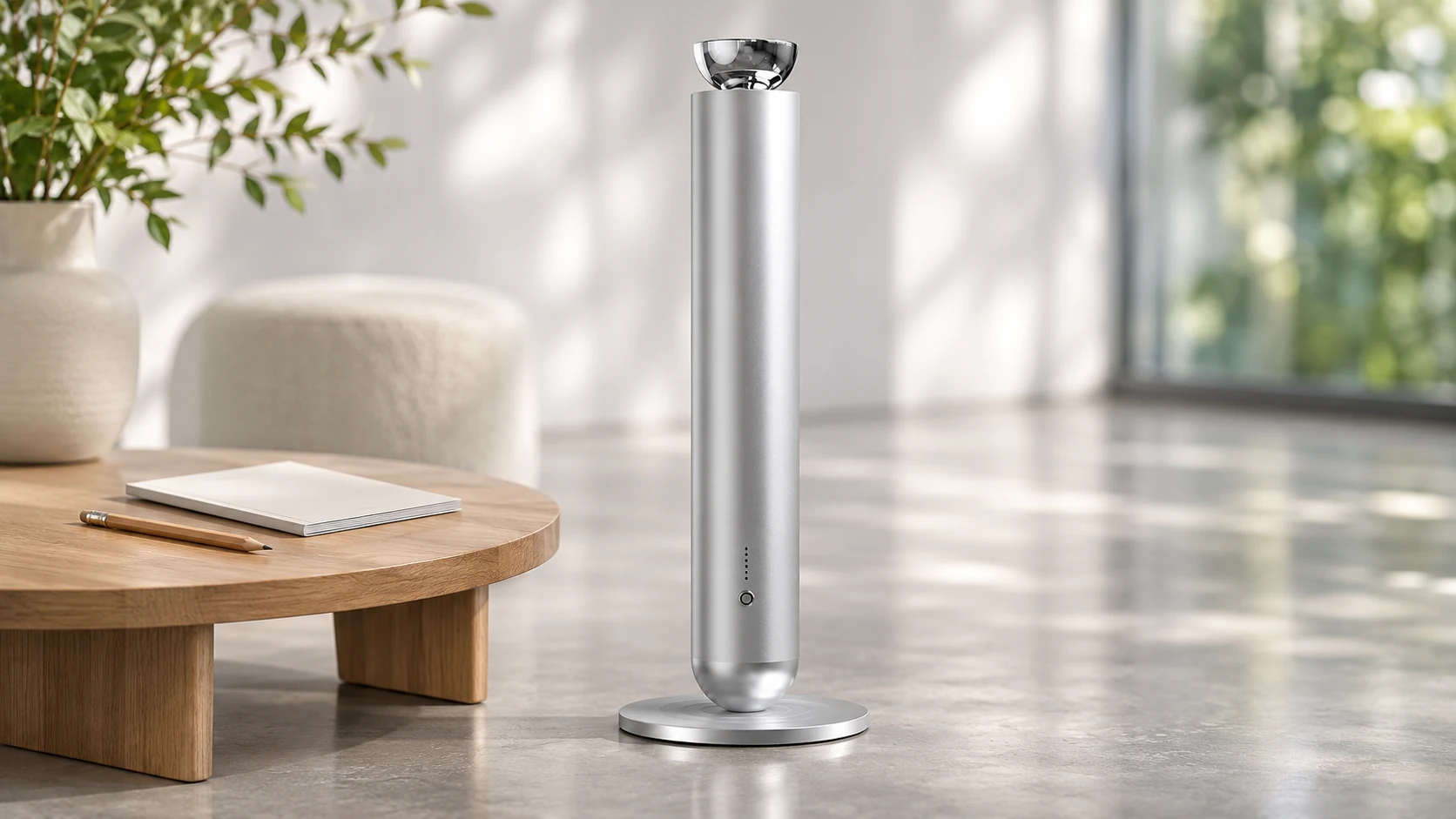
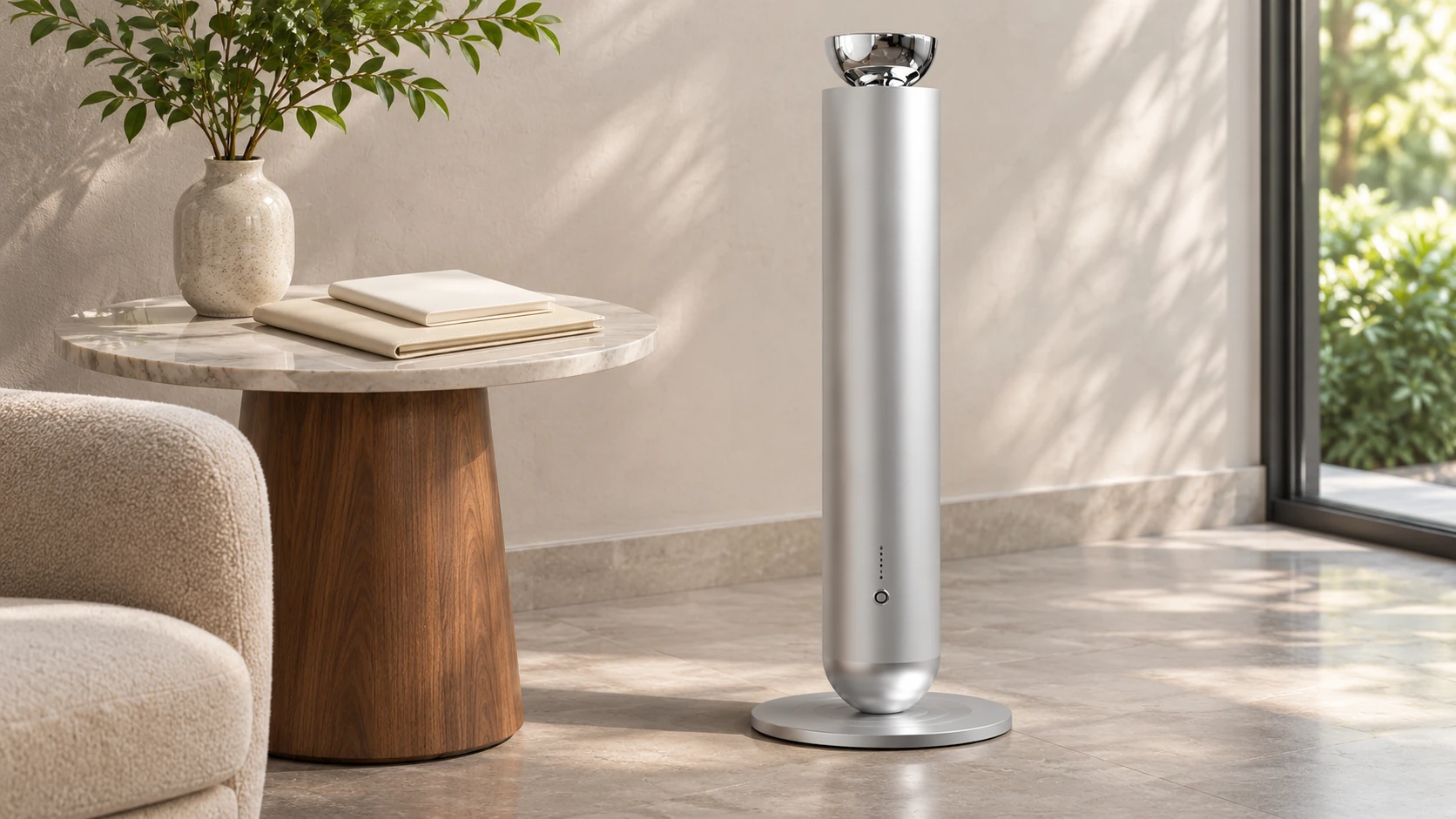
Images are AI-generated editorial scenarios based on Aromaprox product reference photographs. They are not test records, installation instructions or a statement of included accessories. Confirm the exact model, finish and current specifications before ordering.


