
Scent Diffuser Control Accessibility: A Practical Usability Review
Scent diffuser control accessibility is about whether intended users can find, understand and operate the necessary functions. Attractive hardware is not enough if people cannot distinguish an indicator, reach a control or confirm that a command worked. Assess the real device in its intended setting, including its instructions and any optional digital interface.
1. Identify users and essential tasks
List who will start the diffuser, change its setting, stop it and obtain help. A staff-operated reception unit has a different interaction pattern from a personal tabletop device. Define the tasks before evaluating the design so the review does not become a beauty contest. Include people with different vision, dexterity and familiarity where feasible, with their consent. Avoid asking participants to perform an uncomfortable action just to complete your checklist.
2. Check markings in actual lighting
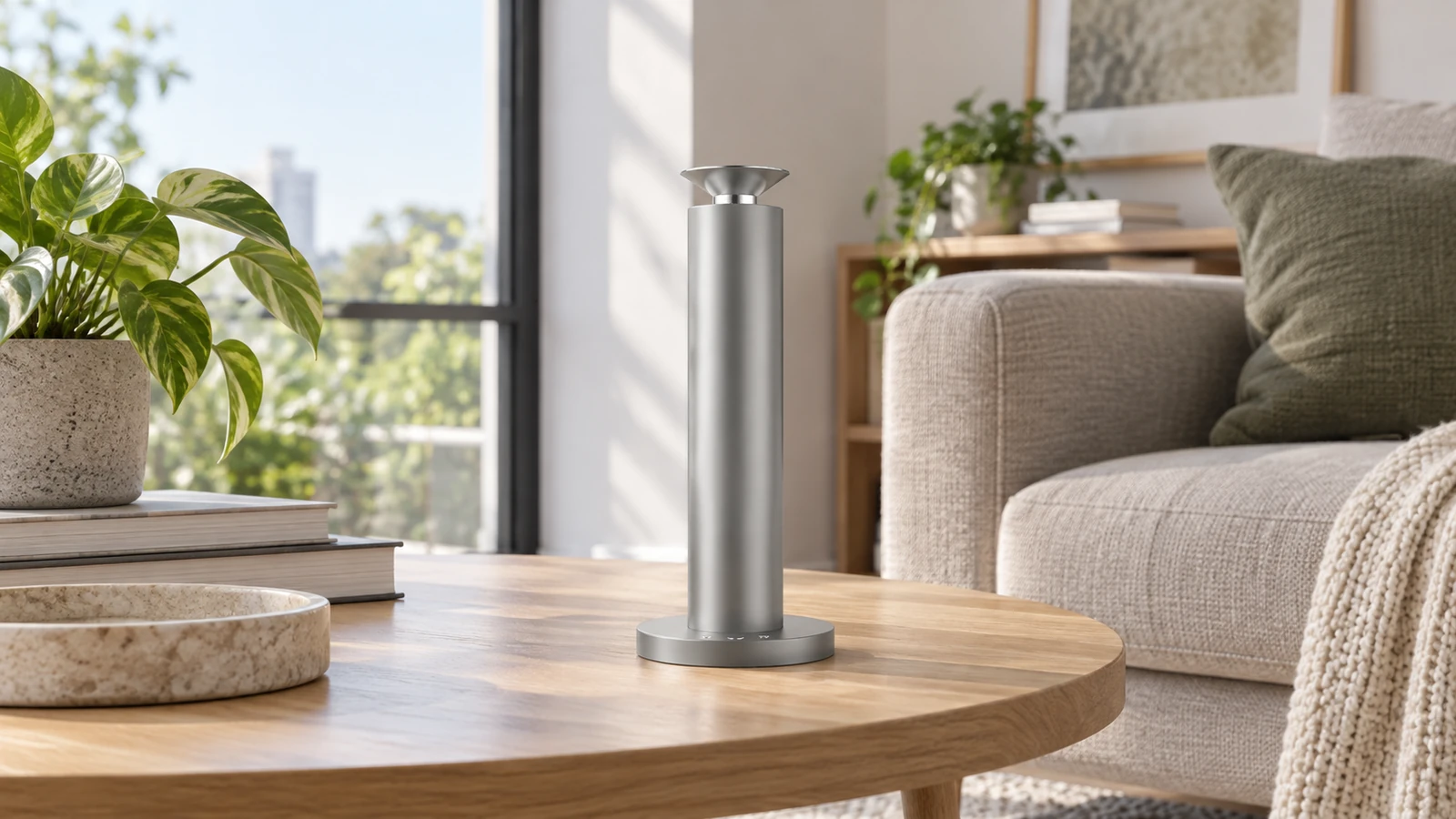
Inspect labels, symbols and status indicators at the normal viewing distance, both with the machine idle and operating. Glare on a metallic finish can hide a small symbol even when a close-up product photograph looks clear. Check whether essential meaning relies only on color, and whether the manual explains each state. SC02's existing control area is shown in the illustration; no extra screen or button is implied. Document which information is difficult to read rather than guessing what users should infer.
3. Review reach and operating effort
Place the unit as permitted by its installation instructions and observe whether the intended operator can reach the necessary controls without awkward stretching. Consider table stability and access around furniture. The U.S. Access Board's operable-parts guidance provides useful principles concerning one-handed use and avoiding tight grasping, pinching or wrist twisting, but its legal applicability depends on the setting. Do not turn an illustrative mounting height into a universal compliance rule or modify the device without approval.
4. Check feedback and alternatives
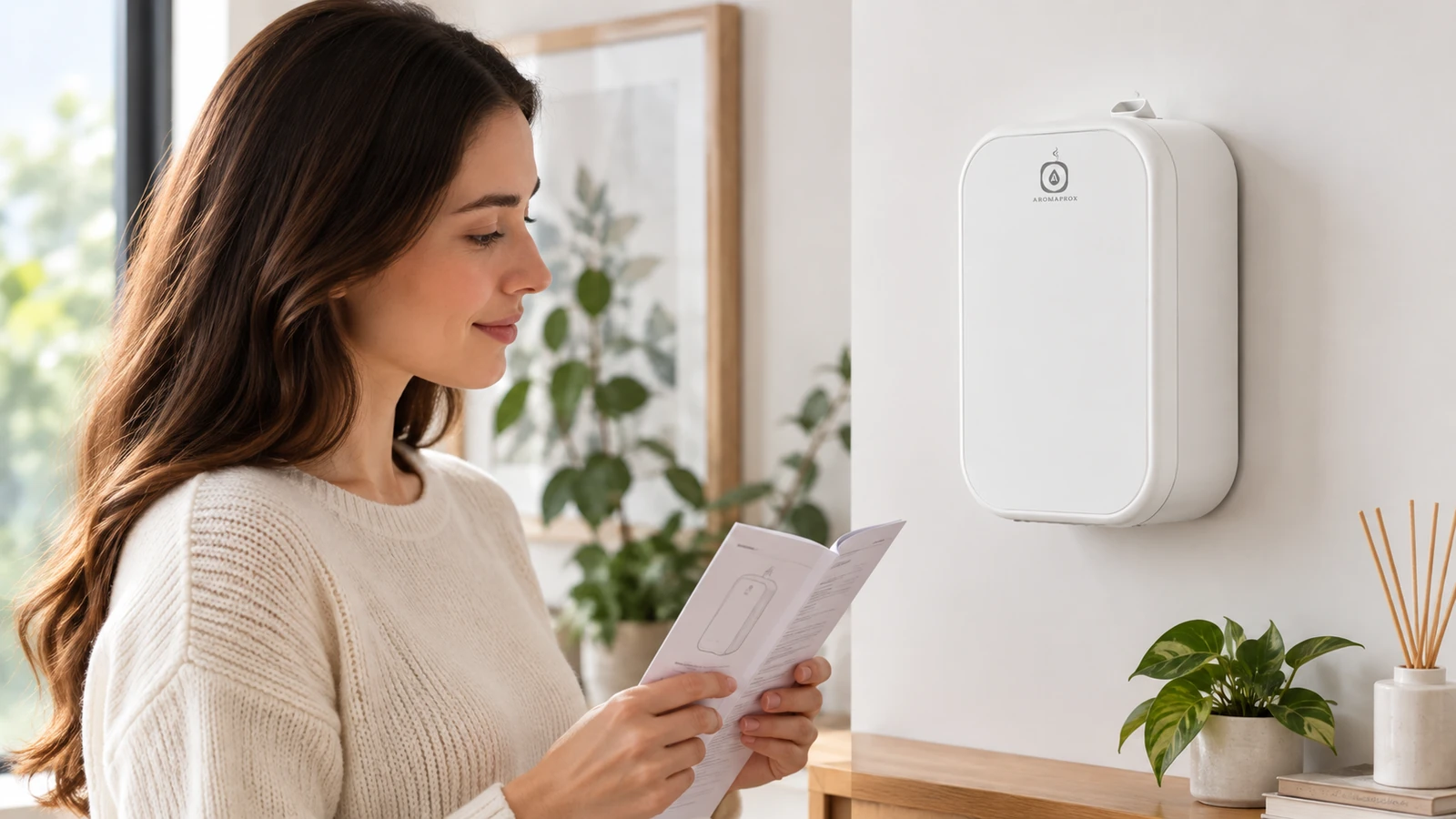
Ask a participant to perform a basic task and explain how they know it succeeded. A visible indicator, sound or app message can be useful, but do not assume every model has all three. Check any supported alternative control path using the exact product version. For SP01, do not infer a touch-sensitive front panel from its smooth face. If an app is required for a task, review account access, language and device compatibility separately rather than presenting the app as an automatic solution for everyone.
5. Observe mistakes and recovery
Try realistic tasks such as identifying the current state, changing one setting and returning to the original state. Record hesitation, accidental actions and whether the user can recover without a full reset. Distinguish a confusing instruction from a hardware barrier. Keep the evaluation non-destructive and within normal operation. A good observation log states the task, environment, assistance required and outcome; it does not assign blame to a person for failing to understand an unclear interface.
6. Convert findings into procurement requirements
Rank findings by their effect on essential tasks. Request clearer instructions, suitable placement or a supported alternative workflow where available. If a necessary task remains inaccessible, consider another product or operating arrangement instead of claiming that training will solve every issue. Ask the supplier to confirm the exact controls on the quoted version. Keep any formal accessibility or building requirements with the project specialist; an editorial checklist alone cannot establish legal compliance.
Frequently asked questions
Does a large button guarantee accessibility?
No. Reach, contrast, feedback, operating effort and the full task sequence also matter. Evaluate the actual device with intended users.
Is this an ADA or ABA compliance test?
No. It is practical usability guidance. Applicable requirements and formal assessment depend on the product, location and project.
Can an app replace every physical-control barrier?
Not necessarily. The app may introduce its own account, compatibility, language or interaction barriers. Verify the supported workflow for the exact version.
Plan your next step
Share your users' essential tasks and installation context with Aromaprox. Request a demonstration of the actual controls before approving a model.
Related resources
Sources and further reading
Images are AI-generated editorial scenarios based on Aromaprox product reference photographs. They are not test records, installation instructions or a statement of included accessories. Confirm the exact model, finish and current specifications before ordering.


