
Multilingual Scent Diffuser App Testing: Check Real Tasks
Multilingual scent diffuser app testing should begin with a confirmed language list for the actual app and product version. Aromaprox's multilingual website is not evidence that a device app supports the same languages. For SP01, SF03 or another quoted configuration, first confirm that the particular control option is supplied, then evaluate the real tasks the intended operator needs. Keep proposed language requirements separate from features already verified in the sample.
1. Define the version and language evidence
Record the physical model, quoted control option, approved app reference, phone platform and software version. Ask for the language list that applies to that combination. SP01 documentation includes an app workflow; an SF03 control option must still be tied to the ordered version. Do not turn a catalog option into a feature of every shipped unit. Mark an unconfirmed language as a requirement awaiting confirmation, not a test already passed.
2. Choose tasks from the actual product instructions
Select a small set of meaningful operations that the supplied interface really supports. For an applicable SP01 version, these may involve identifying the intended unit and interpreting its documented work/pause fields. Do not add remote fleet management, cloud functions or invented controls to make the language test appear comprehensive. Write the expected action in plain terms and keep the relevant model instruction beside the task.
3. Review meaning as well as visible translation
Check whether the words lead an operator to the correct action. Similar labels for starting a period, stopping a period and pausing work should not be treated as interchangeable. Examine units, weekday references and confirmation messages only where they actually appear. If a term is unclear, record the screen and intended meaning for review rather than guessing. A translated label can be readable yet still communicate the wrong operation.
4. Inspect layout on the real supported phone
Look for cut-off labels, overlapping controls and messages that cannot be read at ordinary supported display settings. If the app officially includes a right-to-left language, check its real layout rather than assuming a translated string establishes correct direction. Do not claim Arabic support merely because the website has an Arabic version. A screenshot is useful evidence of that screen state, not proof that all tasks or platforms have been tested.

5. Record observed actions without extending claims
For each task, keep the language, starting state, action, observed result and any interpretation problem. Use normal safe operating procedures and avoid changing unrelated settings while checking text. Separate a language problem from a connection issue or an unclear product requirement. If two platforms behave differently, retain both records instead of declaring one result universal. An incomplete test should remain incomplete in the handover summary.
6. Give operators confirmed instructions and a support route
Prepare the handover in the customer's working language, but state which app language and version were actually verified. Explain any agreed terminology using the real controls, not a fictional translated interface. Escalate missing languages or unclear messages before promising localization in a quotation. Repeat the relevant checks after an approved interface change; a previous sample record does not automatically cover a later software release or another device configuration.
Frequently asked questions
Does a seven-language website mean the app has seven languages?
No. Website content and app localization are separate. Confirm the app language list for the supplied configuration.
Can a translated screenshot prove all operations work?
No. It records a particular screen state. Test the relevant supported tasks and document their actual outcomes.
Should we promise a missing app language in the quotation?
Not without confirmed scope and delivery terms. Keep the requested language separate from the capabilities of the current sample.
Plan your next step
Ask Aromaprox to confirm the supplied SP01 or SF03 control configuration and its actual app languages. Share the operator's required tasks and phone platform so the sample review can distinguish verified support from a proposed localization request.
Related resources
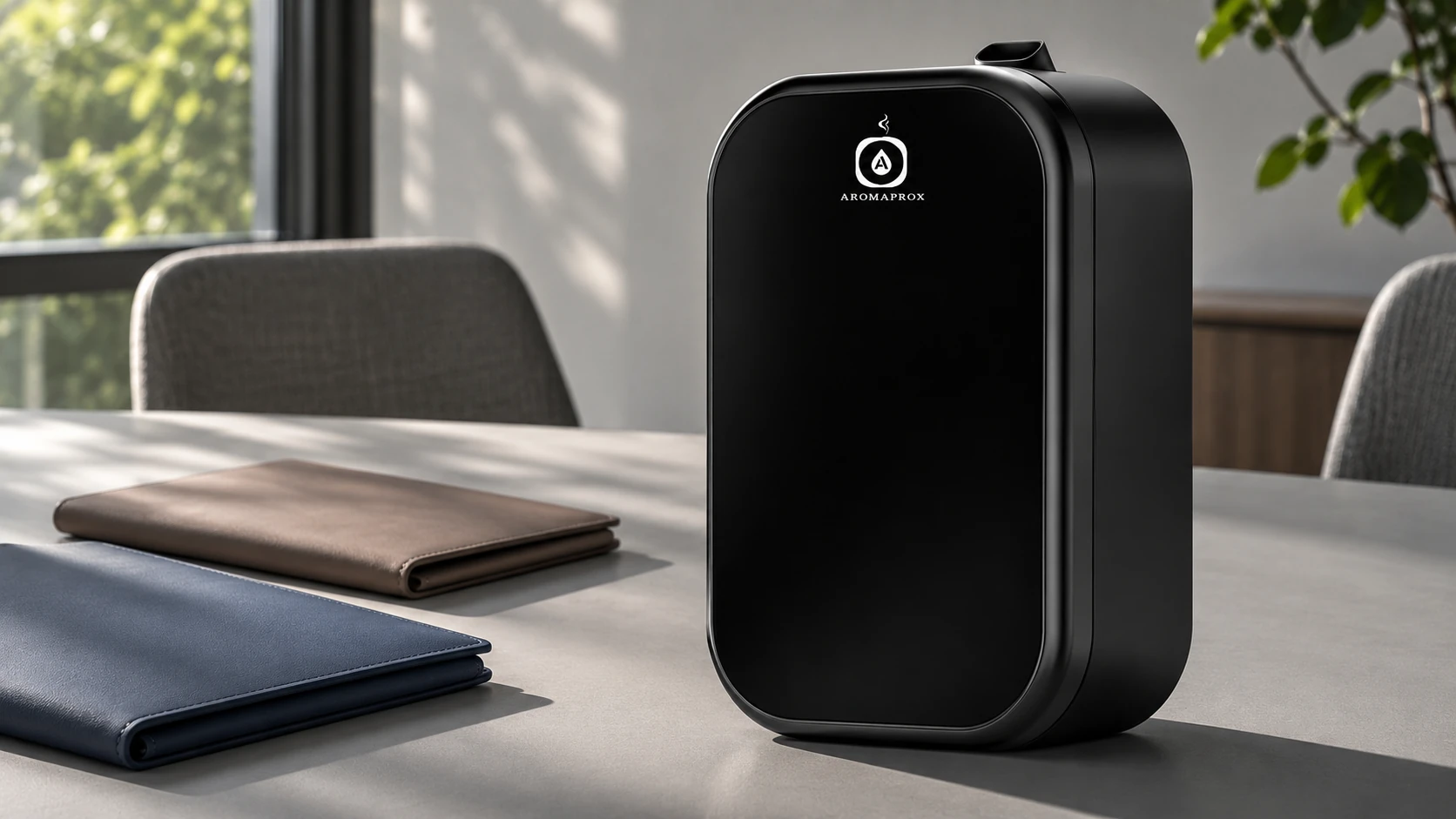
Images are AI-generated editorial scenarios based on Aromaprox product reference photographs. They are not test records, installation instructions or a statement of included accessories. Confirm the exact model, finish and current specifications before ordering.


