
Smart Scent Diffuser App Control: Scheduling, Intensity and Multi-Device Management
Smart scent diffuser app control turns fragrance delivery into a repeatable operating program. Instead of relying on manual switches, managers can align working periods with occupancy, adjust intensity, coordinate multiple devices and keep settings consistent across rooms or locations.
The value comes from clear configuration and governance—not from changing settings frequently. Available features depend on the exact hardware, app version and customization package.
1. Build a Clear Device and Zone Structure
Name devices by property, floor and zone instead of informal labels. A format such as Chicago-Store01-Entrance is easier to support than Diffuser 3. Record the model, oil, installation point and responsible employee for each device.
2. Set Time and Working Periods Correctly
Confirm the device clock, time zone, weekday selection and start/stop periods. Daylight-saving or network changes can shift a schedule if time settings are not reviewed. Match operating periods with ventilation and occupancy rather than running continuously.
3. Understand Work and Pause Cycles
Many smart diffusers control intensity through repeating work and pause intervals. Longer work periods or shorter pauses can increase delivery, but the effect depends on room size, oil, airflow and product performance. Change one variable at a time and allow the zone to stabilize.
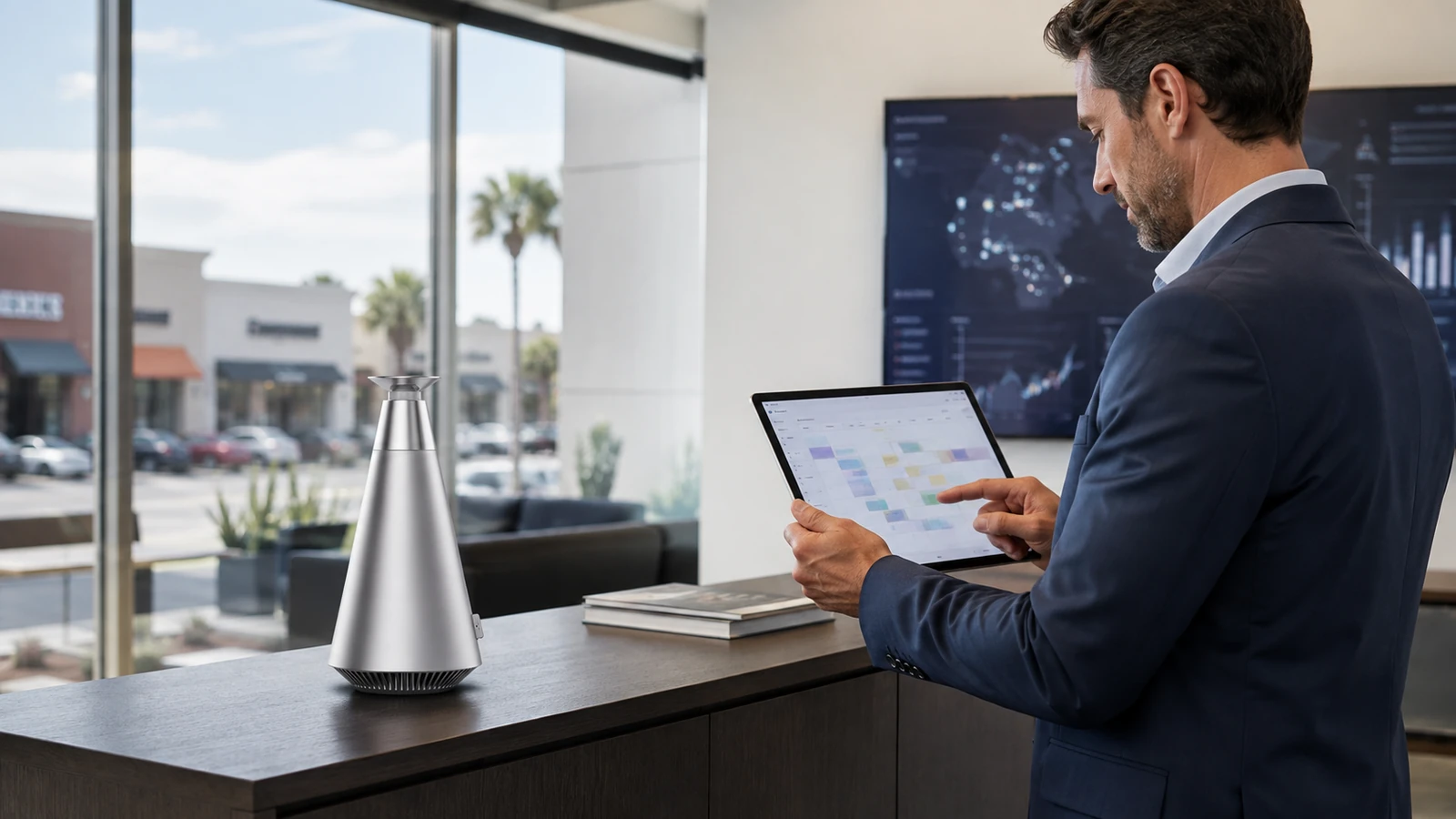
4. Create Weekday, Weekend and Event Programs
Stores, hotels and offices rarely have identical occupancy every day. Create only the schedules the operation can maintain. A special event program should have an automatic end point so the machine returns to its normal baseline.
5. Manage Multiple Devices Consistently
Group devices by property or zone type and use an approved baseline for comparable spaces. Do not copy one setting blindly to rooms with different volume or ventilation. The coverage calculator guide helps establish the physical context for each zone.
6. Control Permissions and Change Records
Limit setting rights to trained staff. Record the date, reason and owner of significant changes. If a location reports weak or strong scent, compare its configuration, oil batch, maintenance and airflow before adjusting the whole fleet.
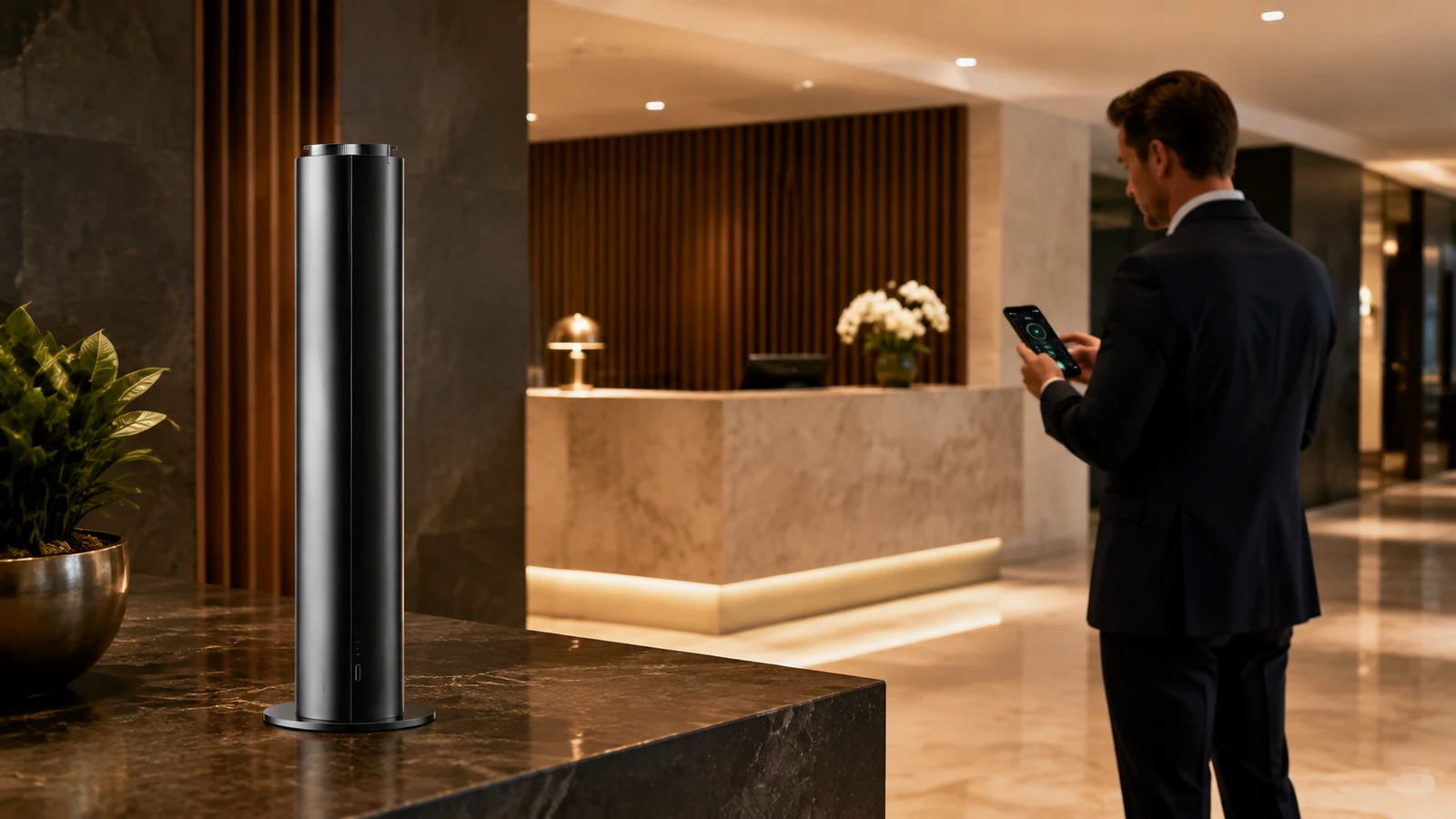
7. Plan White-Label and Integration Requirements
Brands may need a custom interface, logo, languages, device grouping or reporting. Define these requirements before hardware selection because software, firmware and account ownership affect the project. Aromaprox describes available options on its OEM/ODM customization page.
Implementation Checklist
- Confirm the exact objective and target user.
- Verify the current product specification and instructions.
- Record room or vehicle conditions before testing.
- Start with conservative approved settings.
- Change one variable at a time.
- Keep an approved sample, baseline or installation record.
- Assign one person to approve changes.
- Review results after operating conditions change.
A documented baseline makes troubleshooting, staff training and future purchasing more reliable. It also provides first-party evidence for improving later product selection and operating standards.
Frequently Asked Questions
What can a smart scent diffuser app control?
Depending on the model, controls may include schedules, work/pause cycles, intensity, device names, grouping and status information.
Can one app manage several diffusers?
Compatible systems may support multiple devices, but grouping and remote features should be confirmed for the exact hardware and app.
Why did my diffuser run at the wrong time?
Check the device clock, time zone, weekday selection, saved schedule and whether the app successfully synchronized the change.
Can the app be customized for my brand?
White-label interface and function options may be available through an OEM/ODM project, subject to scope and model compatibility.
Turn App Controls Into an Operating Standard
Define device count, locations, permissions and branding requirements with the Aromaprox customization team.


