
Diffuser App Device Name vs Product Model: Match the Record
A diffuser app device name vs product model check connects a software identifier to the physical unit you ordered. Similar text is not sufficient evidence that two devices have identical controls or specifications. For Aromaprox SP01 and MiniPro, use the exact supplied version and its current instructions. Confirm the mapping before choosing a device to operate, preparing a customer handover or copying settings from another product record.
1. Start from the ordered physical unit
Retrieve the order line, current product document and the identification supplied with the unit. Record the agreed version rather than relying on an old catalog image. SP01 and MiniPro are separate products with their own instructions; a similar app screen does not make their functions interchangeable. Keep personal customer information out of a shared device-identification record, and do not publish any access credentials while asking for clarification.
2. Record what the approved interface actually shows
Copy the displayed identifier exactly, including any prefix or distinguishing characters. The reviewed SP01 instructions illustrate an SP01-related device entry; that example does not establish the naming rule for every later version or another model. Record the app and document version where available. Do not assume a screen name can be edited, that it is a unique serial number or that the interface reveals every technical configuration.
3. Confirm the correspondence rather than guessing
Send the physical identification and displayed entry to the supplier through the normal support route. Ask whether they refer to the quoted configuration and which document confirms it. If the mapping remains unclear, do not test guesses by changing nearby devices' settings. A common-looking housing, matching marketing name or similar software entry is insufficient. Mark the relationship unresolved until the responsible party identifies the actual unit.
4. Distinguish a location label from product identity
An operator's room description, where such a label is available, answers a location question. It does not change the hardware model or establish an additional feature. Keep any internal location label in a separate field from the confirmed model mapping. If the interface does not support renaming, maintain an external record instead of promising the function to staff. Avoid turning a convenient nickname into the official specification used for replacement purchases.
5. Use the confirmed model's instructions
Once the correspondence is established, select the correct operation guide. SP01 work/pause entries and MiniPro mode controls should remain tied to their own documented version. Do not infer identical intervals, stored settings, cloud access or remote management from a shared app appearance. If an instruction and the live screen differ, capture the difference without altering the hardware and ask for the current procedure. This is identification work, not a new Bluetooth fault-repair sequence.
6. Leave a usable handover record
Retain the model, supplied version, approved app reference, displayed identifier, confirmation date and responsible contact in one accessible record. Update it when the physical unit or approved software changes. Give the next operator the correct guide and an understandable location reference, without exposing credentials. This small mapping prevents an app label from becoming a false technical claim and makes future support requests more precise than sending an isolated screenshot.
Frequently asked questions
Does the app name prove two machines have the same specifications?
No. Confirm the actual model and version. Similar software text does not establish identical hardware or functions.
Can I treat a displayed identifier as the device serial number?
Only if the supplier confirms that meaning for the exact version. Otherwise record it as an interface identifier.
Should I change a nearby device to identify which entry belongs to mine?
Do not experiment on unconfirmed units. Use the supplied identification and the approved support procedure to resolve the mapping.
Plan your next step
Share the SP01 or MiniPro order reference, unit identification and non-sensitive interface entry with Aromaprox. Request a confirmed model-to-app mapping and the current instructions for the supplied version before handing operation to another user.
Related resources
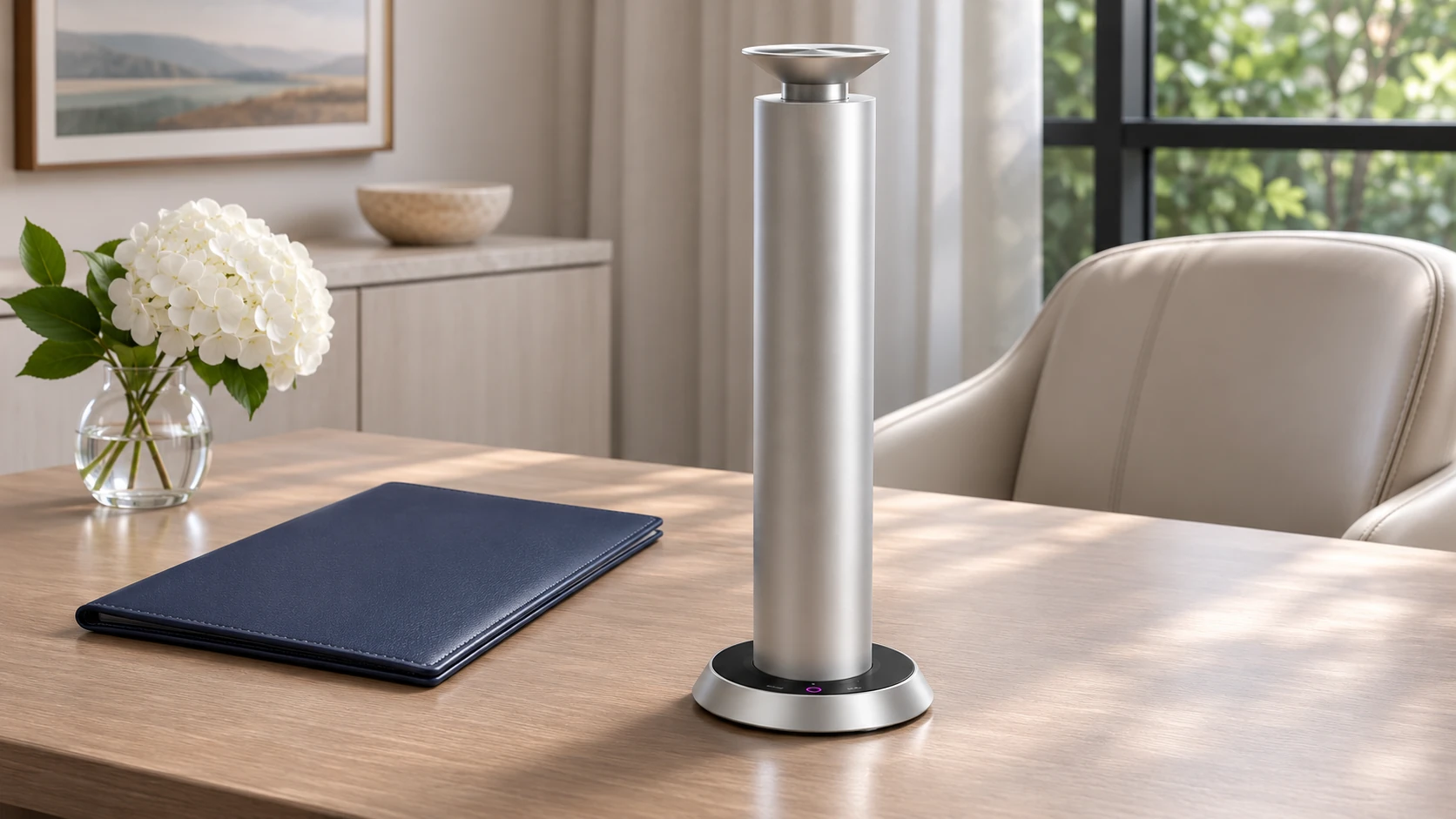
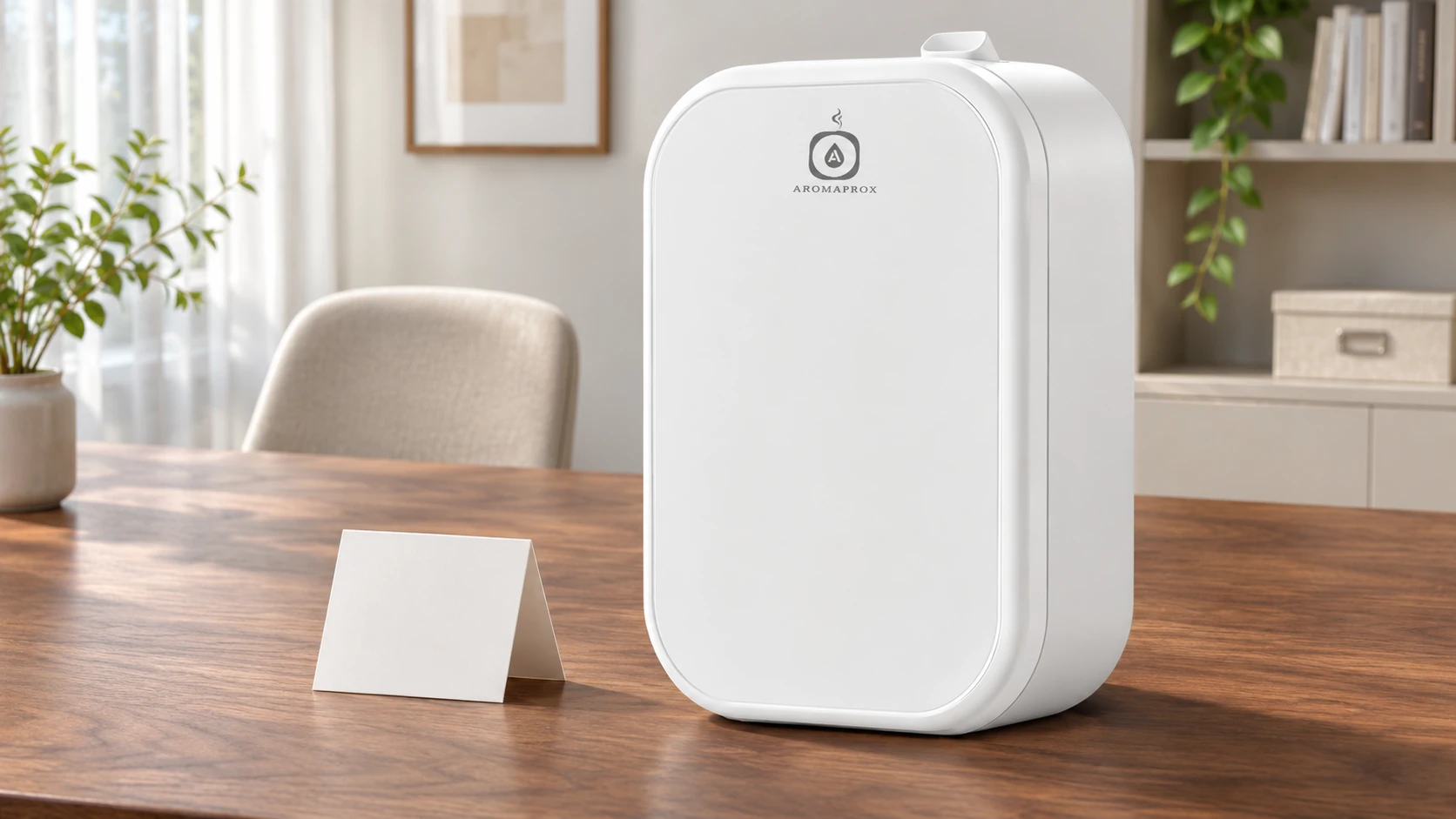
Images are AI-generated editorial scenarios based on Aromaprox product reference photographs. They are not test records, installation instructions or a statement of included accessories. Confirm the exact model, finish and current specifications before ordering.


