
Aroma Diffuser Net Weight vs Gross Weight: Read the Scope
Aroma diffuser net weight vs gross weight is a question about what was included on the scale. A device, a complete retail package and a master carton are different objects. Mixing their figures can produce an incorrect comparison even when each number is accurately copied. When reviewing SF03, SP01, CarPro or MiniPro documents, keep the model, packing level and stated contents with the weight instead of assuming every field describes the machine alone.
1. Use the unit consistently, but do not stop there
The BIPM identifies the kilogram as the SI base unit of mass. BIPM — The International System of Units In product and shipping records, the practical task is also to define the object being weighed. Keep grams and kilograms explicit and check the conversion when moving between documents. Correct units do not fix an incorrect scope. A bare figure labeled weight should remain unresolved until the supplier identifies whether it concerns the device, one sale package, a carton or another packing level.
2. Ask what the device net weight includes
For the net-device record, identify the exact model and ordered version. Ask about the normal assembled state, reservoir condition and any items that the supplier includes in that definition. Do not assume a removable adapter, cable, oil or other accessory is included merely because it appears in a product photograph. Likewise, do not remove an original component to make a comparison lighter. Use the agreed complete configuration and retain its definition beside the reported net weight.

3. Give a complete retail package its own record
A single sale package can include the device, confirmed accessories, instructions, protective material and the retail box. Its gross weight therefore answers a different question from the unpacked device. Confirm the actual package contents for the quoted version; a staged unboxing image does not establish them. If an adapter is optional, show which package was evaluated instead of silently combining two configurations. Keep the approved packing list with the weight so a later change can be checked at the correct level.
4. Separate the master carton from its individual units
A master-carton record must state the unit count and the packing arrangement actually used. Do not treat a field such as gross weight per carton as the weight of one diffuser. Dividing a carton total by its unit count does not automatically produce the net-device figure, because the packing is still part of that total. If cartons contain mixed models or different quantities, label them separately. The supplied product table uses carton-level fields; keep those labels when extracting information.
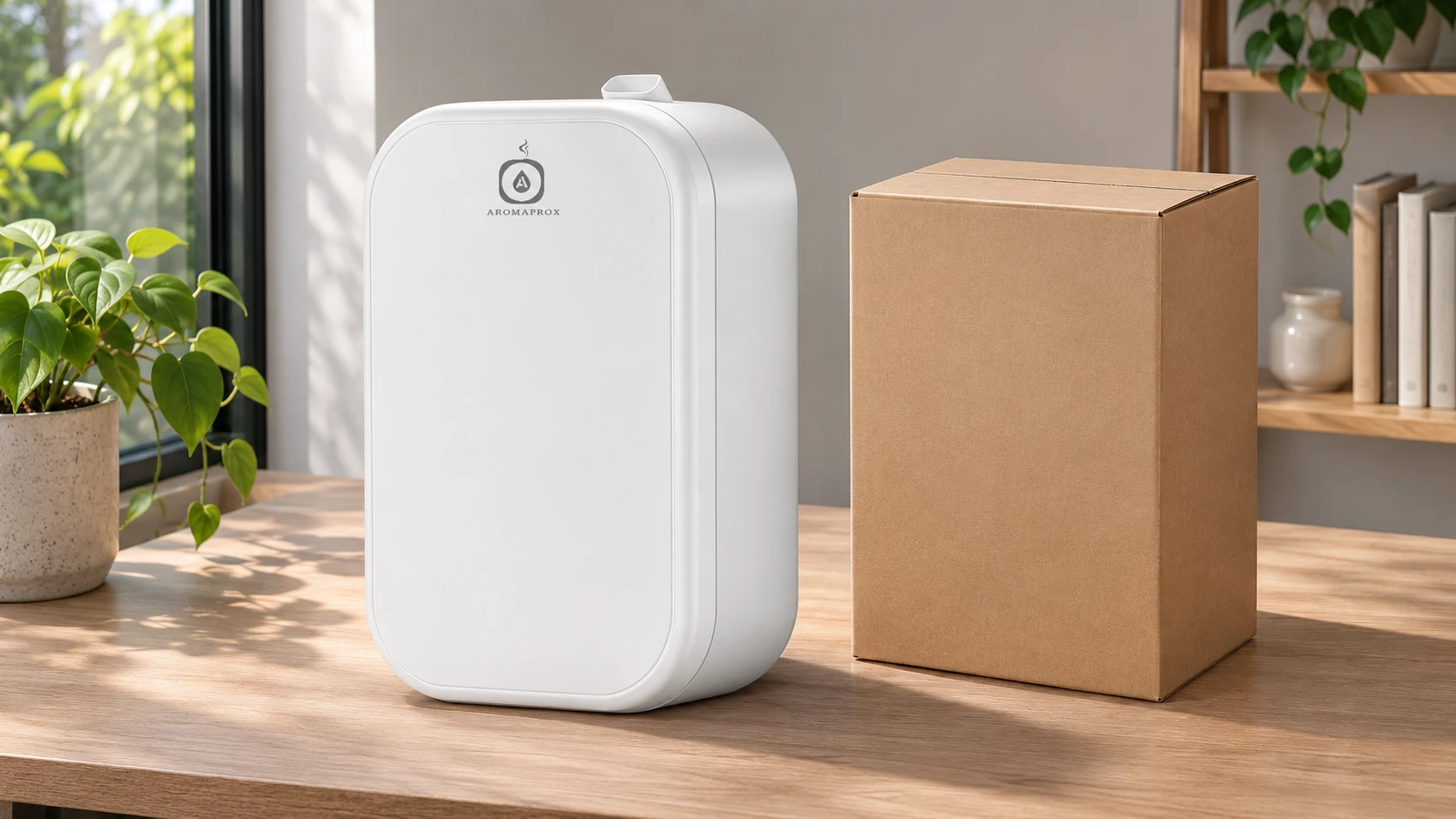
5. Keep changes in packing and liquid state visible
A change in accessories, protective inserts, carton contents or the condition specified for shipment can affect which record is relevant. Do not move a filled device or alter its liquid arrangement just to reproduce a weight: follow its handling and transport instructions. Ask the supplier to resolve differences between the actual packed sample and an older sheet. For freight questions, confirm the carrier's charging basis separately instead of assuming a product's net weight is the complete information needed for a shipping quote.
6. Make a compact scope-based comparison
Use one row for each model and packing level, with fields for included contents, quantity, unit, document revision and unresolved questions. Compare like with like. If a value is missing, request it rather than borrowing a figure from another color, package or similarly named product. This record helps purchasing and receiving teams discuss the same physical shipment. It does not establish a fixed shipping price or certify that a particular package has passed transit testing.
Frequently asked questions
Can I divide carton gross weight by the quantity to get device net weight?
Not automatically. The divided figure still allocates packing mass and may include other contents. Obtain a separately defined device measurement.
Does gross weight always refer to one retail box?
No. The packing level must be stated. It may refer to a single complete package, a master carton or another defined shipping unit.
Can an online product photograph confirm which accessories were weighed?
No. Confirm the actual ordered configuration and packing list. Styling objects and optional accessories should not become assumed package contents.
Plan your next step
Ask Aromaprox for weights with a clear packing scope for the exact SF03, SP01, CarPro or MiniPro configuration. Share whether you need an unpacked device, a sale package or a master-carton record, and keep that distinction in your purchase documentation.
Related resources
Sources and further reading
Images are AI-generated editorial scenarios based on Aromaprox product reference photographs. They are not test records, installation instructions or a statement of included accessories. Confirm the exact model, finish and current specifications before ordering.


